
Free
Connected Upwork — everything filled itself in.
Transactions, contracts and daily hours come in live. Rather not connect? Upload the transactions CSV — same result, no duplicates.
Connect for freeFor those who work freely
For freelancers and mini-agencies on Upwork and with direct clients: Upwork connects directly, Radar finds jobs, and time, invoices, money and Ukrainian sole-proprietor taxes live in one place.
No card required. Sign up now to unlock the full Pro plan for 6 months. Spots left: 28. When the promotion ends, you can stay on the free plan.
See what has arrived, what is on the way and which invoices are still unpaid.
Hours alongside contracts and income. See which projects deserve your attention.
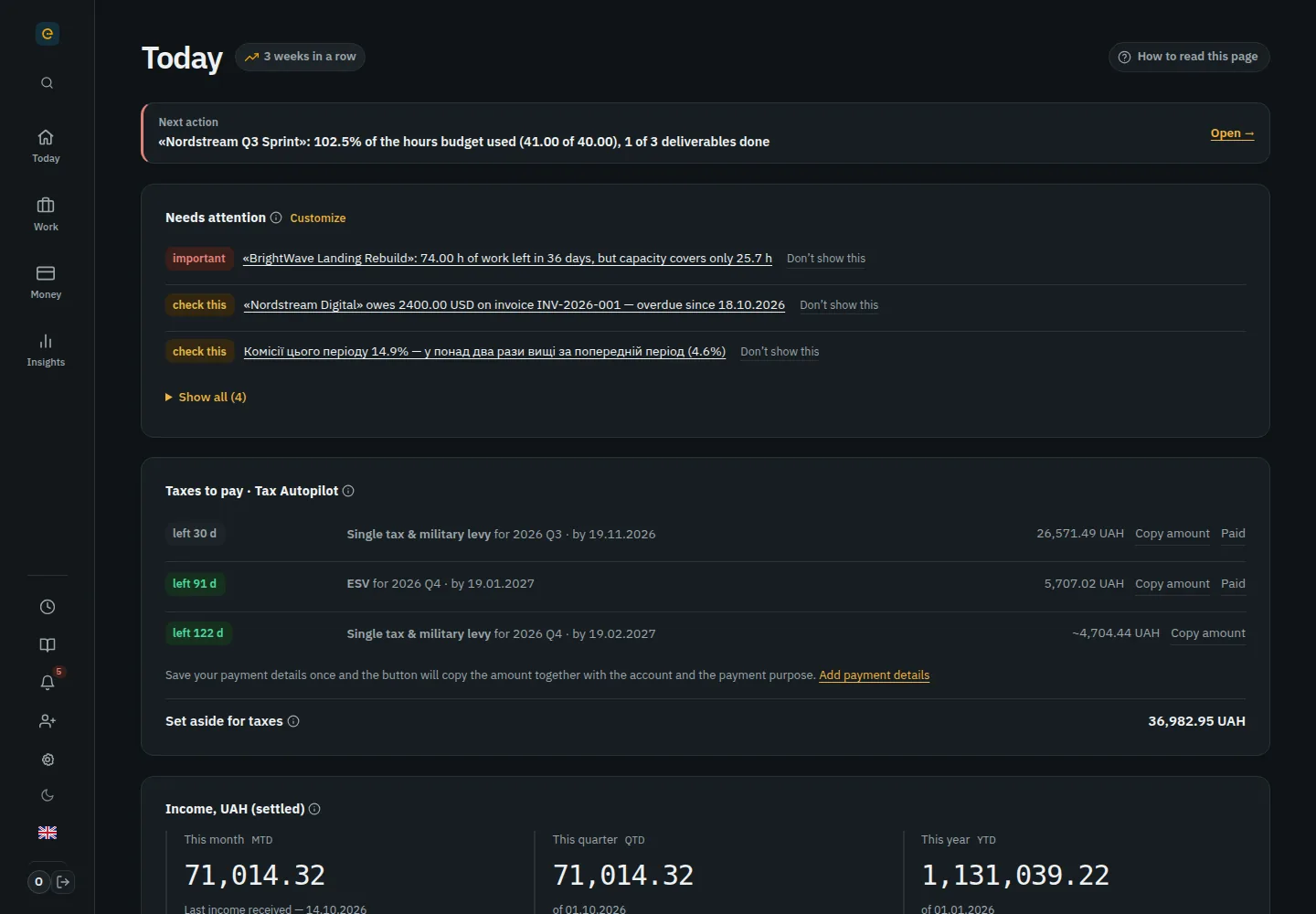
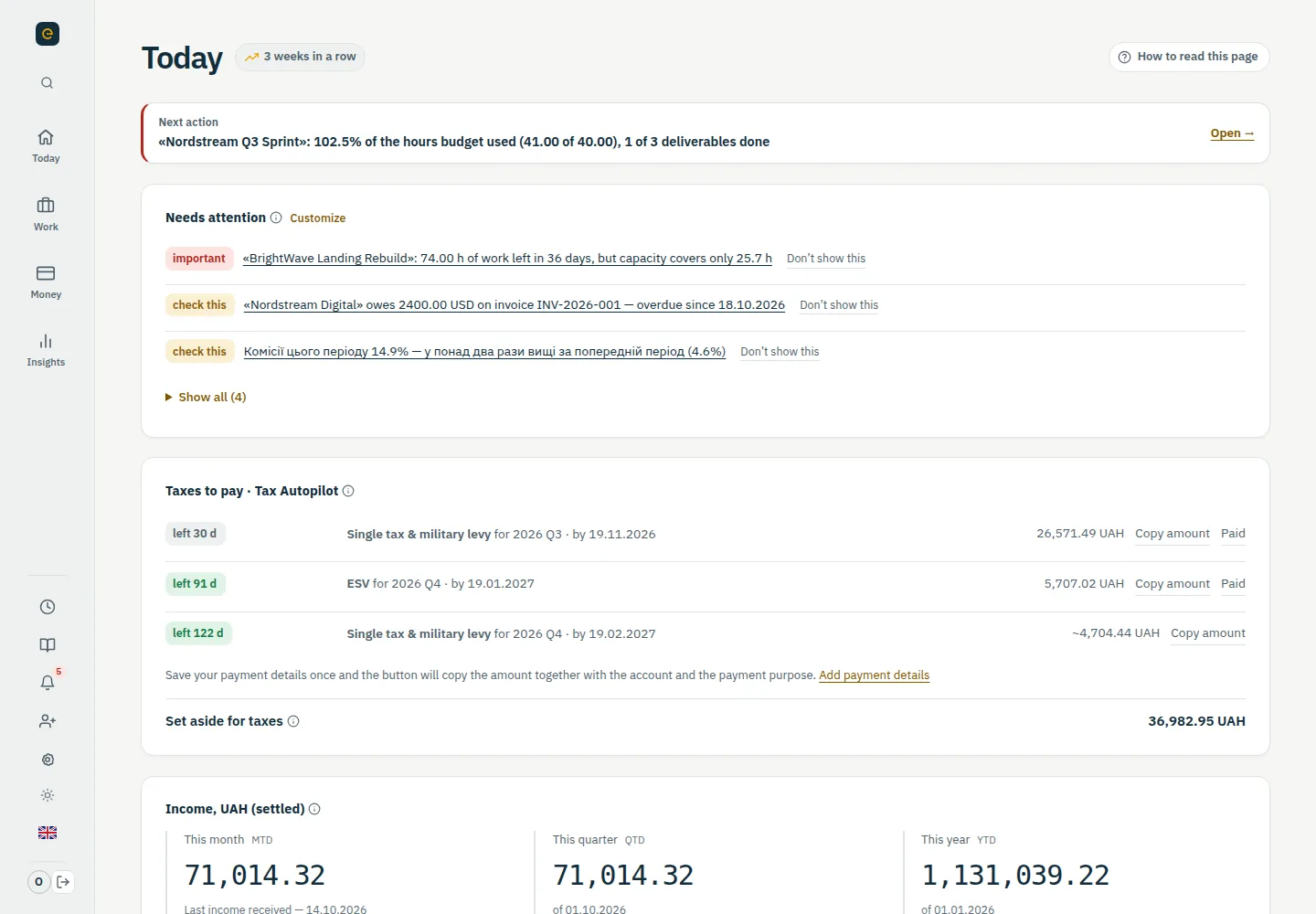
Your next action, deadlines and client work together on one screen.
The same working life, minus the manual routine at the end of every month.
Not because you are bad at arithmetic. Because almost nobody keeps this reconciled by hand, month after month.
The rate is taken from the day the currency was sold at the bank.
Gignal records income at the NBU rate for the date it landed in the account — and uses that same date to decide which quarter it belongs to.
Everything visible in the Upwork account gets counted as income.
Only "Settled" becomes income. Accrued, pending and in-transit money is kept separate, so no tax is calculated on money you do not have yet.
Money is sitting available on the platform while the quarter is already ending.
Accountants advise withdrawing before the reporting period ends. Two weeks before the quarter closes, Gignal shows the amount and the date, so it does not surface on the 1st.
Check with your numbers
The contract rate isn't what reaches your card. The Upwork fee, withdrawal and sole-proprietor taxes take a noticeable share. Gignal calculates this automatically from your real transactions.
Calculate on my dataTake a tour of your next workday. This is the real Gignal with sample data.
Income, upcoming tasks and one next action.
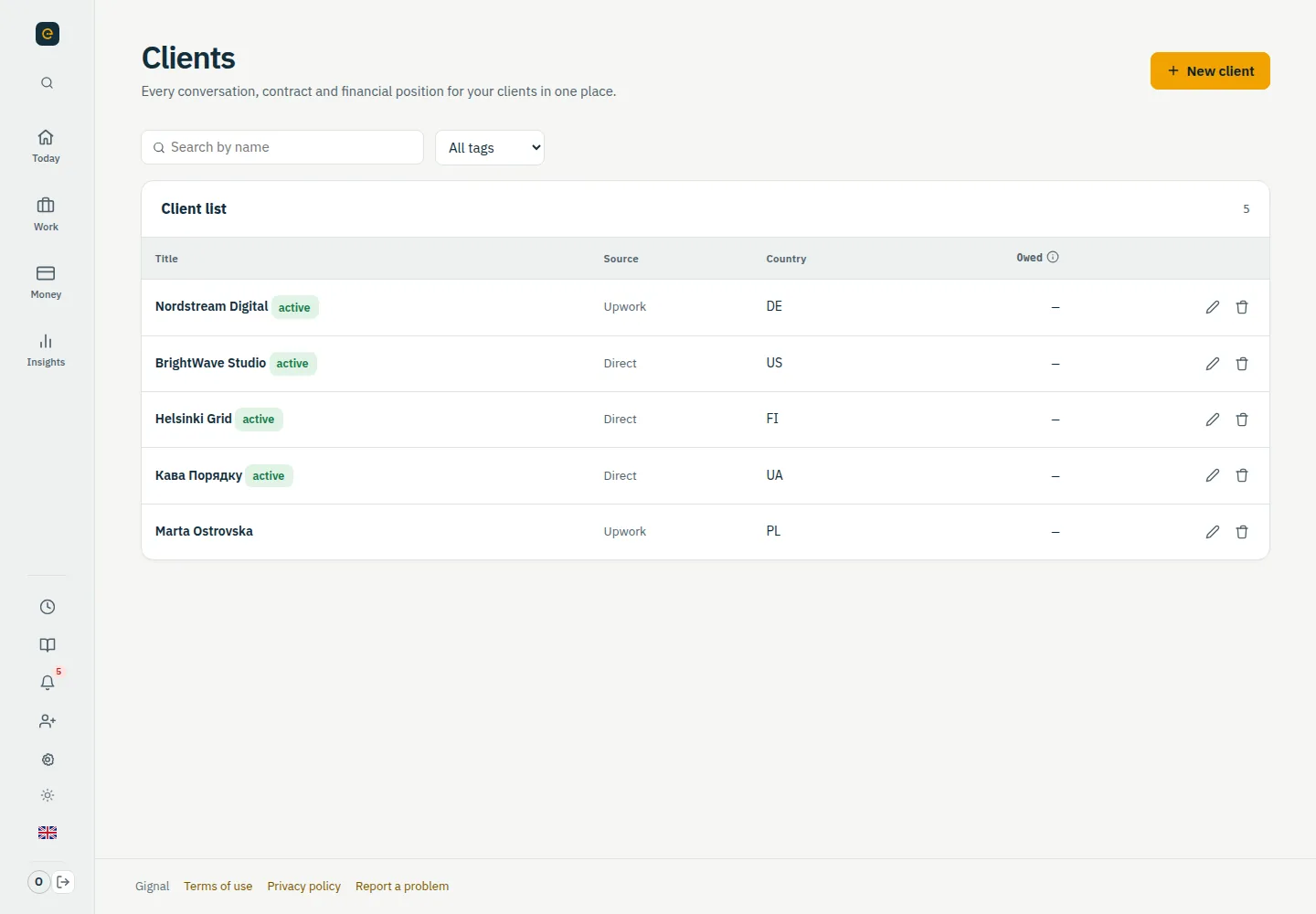
Clients, contracts and the next steps together.
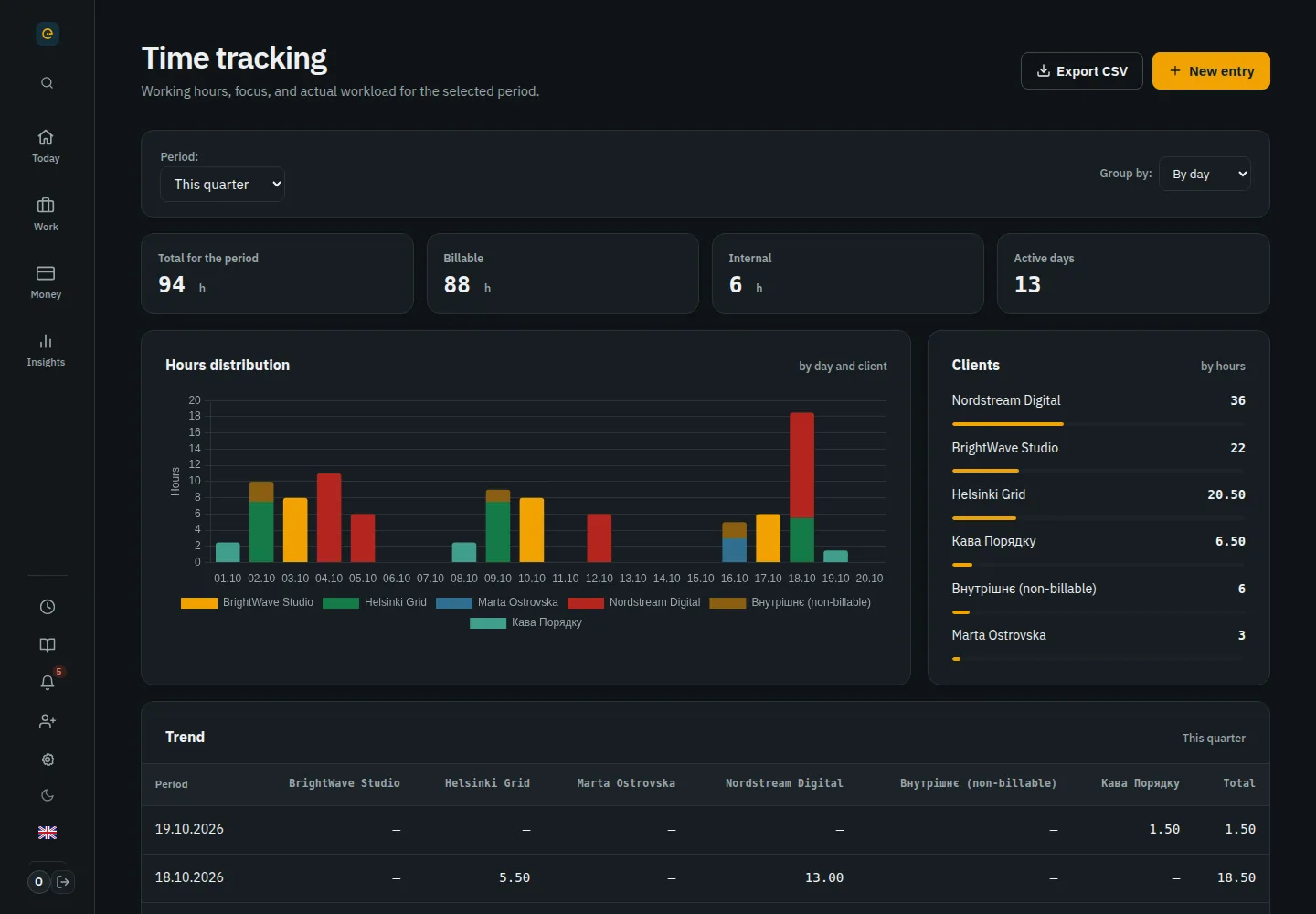
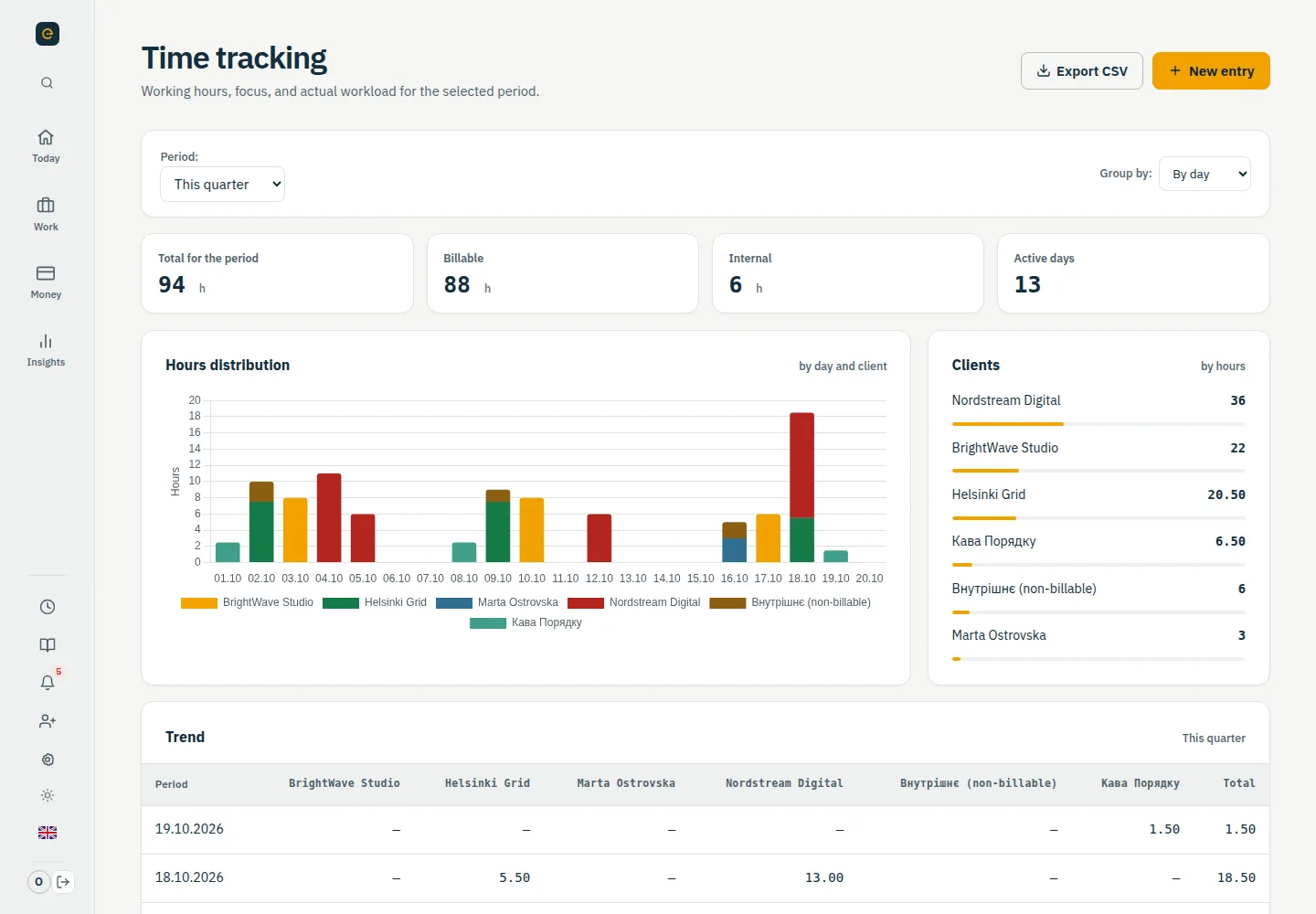
Timer, manual entries and Upwork hours — directly by day or from CSV.
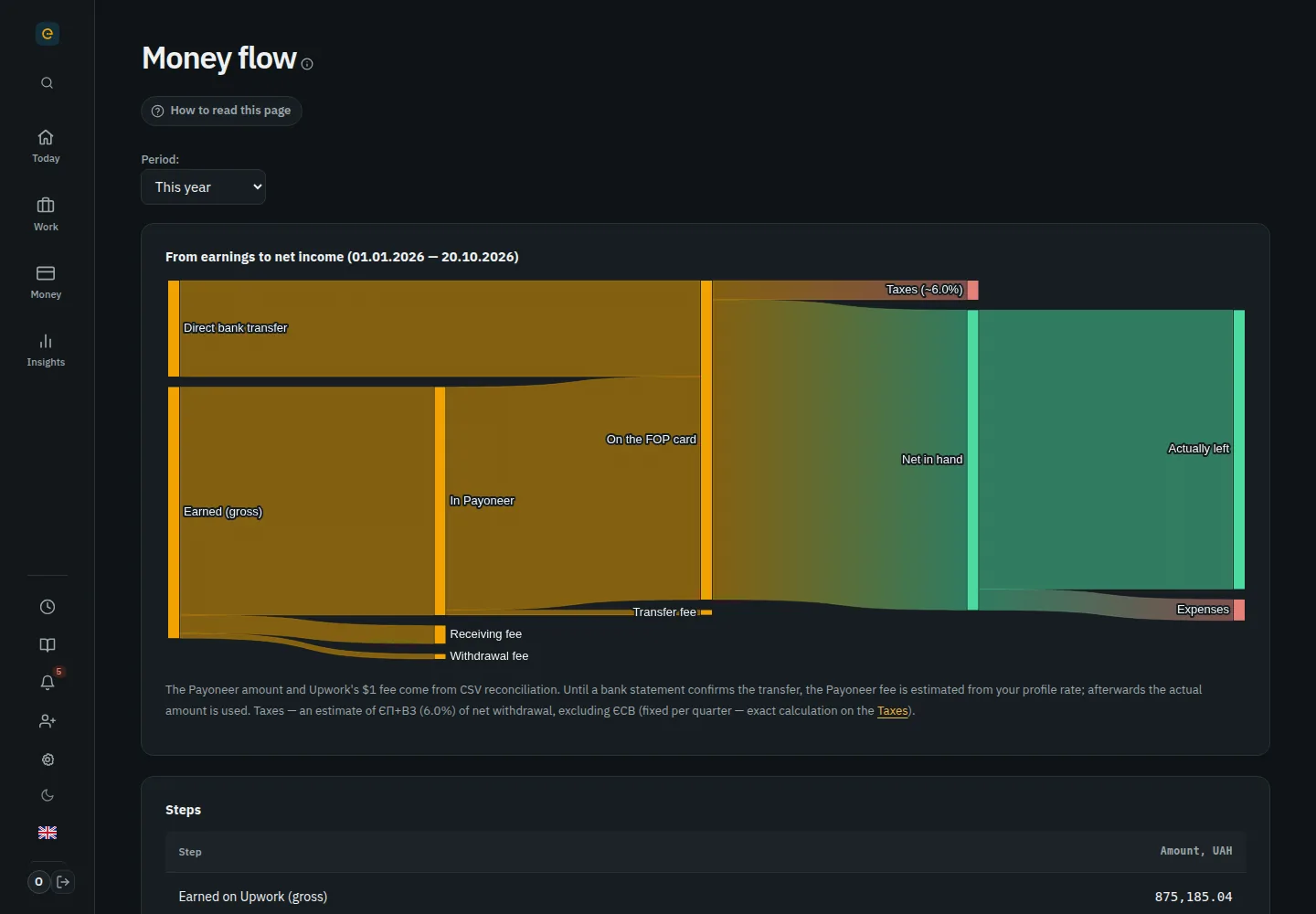
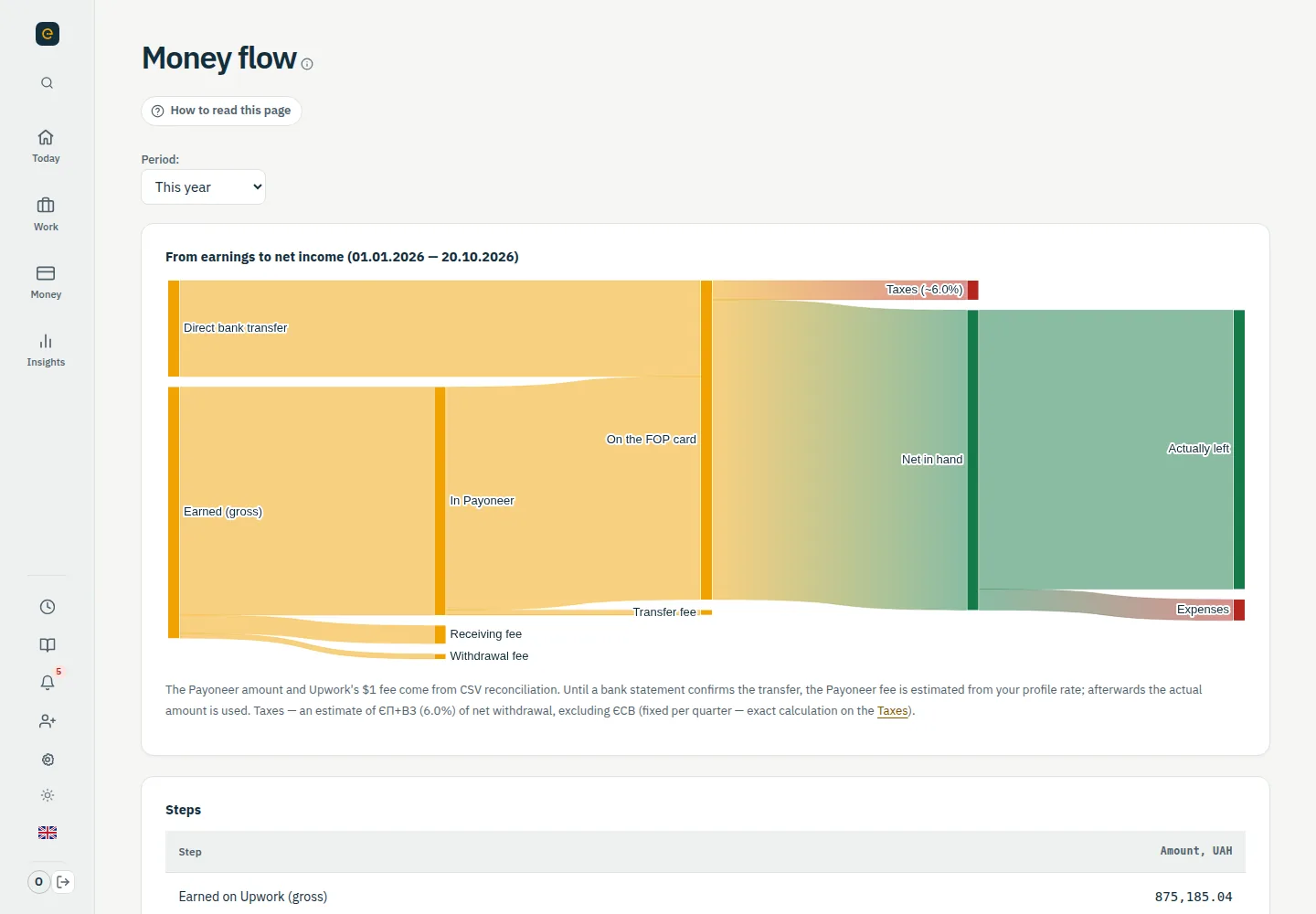
Your cash flow, fees and what you keep.
Connect Upwork directly or upload the transactions file — and everything fills itself in.
Free
Transactions, contracts and daily hours come in live. Rather not connect? Upload the transactions CSV — same result, no duplicates.
Connect for freeFree
Radar takes the skills from your Upwork profile, scores every job and explains why. New ones go straight to Telegram, even every 5 minutes.
See it in the demoFree
The bot suggests a contract with a button. Balance, invoices, “Needs attention”, team and Radar — all in the chat.
See it in the demoPro
Weekly review against Upwork, terms and margin on every contract, payouts in one click and acts as PDF.
See it in the demoDemo data.
Pick who you are and see your working day.
Freelancer on Upwork
Connect Upwork or import CSV from Upwork, Payoneer or your bank. Clients, income and payouts come together on their own.
See the demoSole proprietor on the single tax
Gignal converts the currency at the NBU rate and immediately shows how much goes to the single tax and the military levy.
Open the tax calculatorMini-agency
Contractors log time, you reconcile the week with Upwork, see margin by person and contract and mark payouts. No spreadsheets at month end.
See the demoDemo data.
An easy start
Your Upwork history already exists. Connect your account or upload a CSV — no manual copying.
Start for freeGoogle or email — and your workspace is ready. Free with no limits on clients and contracts.
The direct connection pulls fresh data on its own. For older history, use Transaction History as CSV. Both are free.
Clients, contracts, hours and money are already in place: what's received, what's in transit, your real rate and the quarter's taxes.
Radar sends new jobs to Telegram, the bot records income from one message, and Gignal reminds you about taxes and money that got stuck.
From your first client to your own small agency. Add tools as you need them.
Create invoices, share them with clients and send payment reminders. Keep your working history close at hand.
Explore ProA meeting calendar, tasks and capacity forecasts help you plan the week ahead.
Invite colleagues or your accountant. Choose who can edit data and who can only view it.
A basic calculator in Free. Deadlines, a tax reserve and an accountant pack in Pro.
Start with Free, no card required. Upgrade to Pro when you want more automation.
Compare plansBring your work together.
Spend less time on admin. Usually less than one hour of your work per month.
Clients, contracts, time tracking, transactions, Upwork connection and CSV import, Job Radar, the Telegram bot and a basic tax calculator. No card required.
No. You can manage direct clients and add contracts, time and transactions manually. CSV import helps if you also work through Upwork.
Yes. Connect Upwork in Integrations — transactions, contracts and daily hours come in live, free on any plan. CSV stays for older history, with no duplicates.
Yes. Turn off tax tracking in your profile. Clients, contracts, time and finances will work without the tax sections.
No. The calculations help you estimate your taxes. Check official reporting and complex cases with your accountant.
Yes. Gignal connects through Upwork's official API with read-only access — it changes nothing and submits nothing on your behalf. We keep Upwork data for no longer than 24 hours, and you can disconnect any time.
A search of Upwork jobs that fit your skills. Each gets a score with an explanation: how well it matches you, whether the terms pay off and whether the client is reliable. On Pro, new ones come to Telegram — as often as every 5 minutes.
Yes, for free. Send “500 usd” — income is recorded and linked to a contract. Balance, invoices, “Needs attention”, team and Radar — as buttons in the chat.
Yes. Export a CSV archive or delete your account from your profile. Data export is available on every plan.
Less admin. More of what matters.
Create your Gignal workspace. Connect Upwork or upload a CSV — clients, contracts, hours and money fill themselves in.
We do not ask for a payment card. Pro stays open during the promotion, then your account remains on Free. Your data and exports stay yours.